
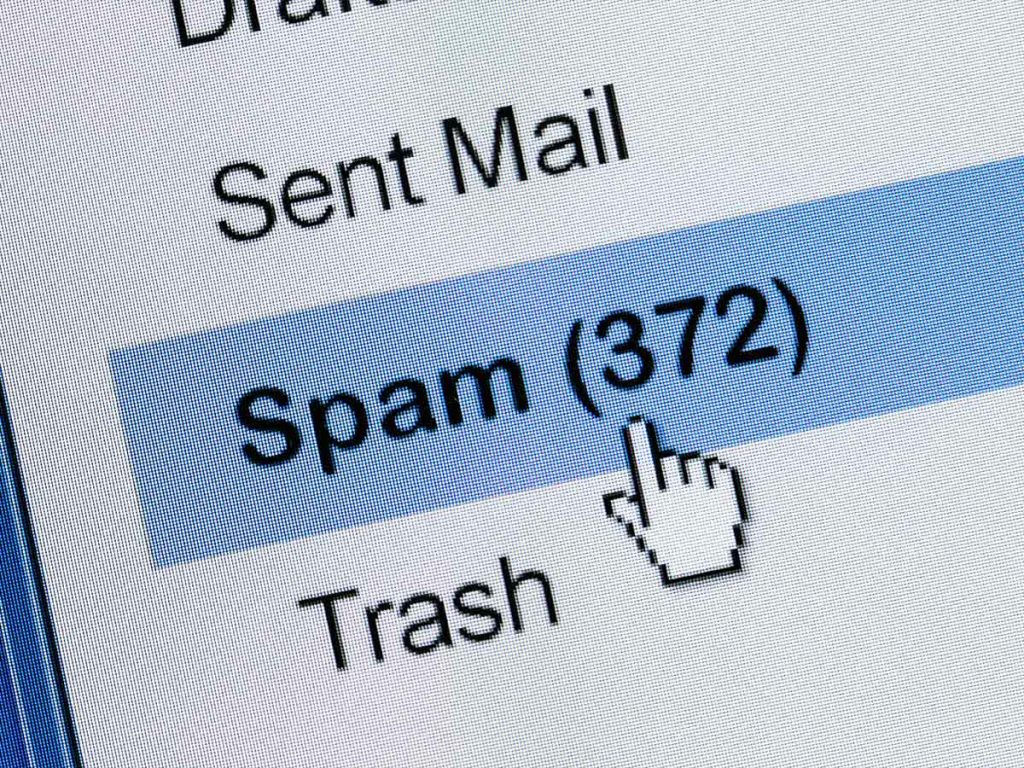
Whether via email, text message, direct message, or telephone — spam can be incredibly annoying. Fortunately, there are ways to defend against this and to take action if you suspect you’re getting spammed. Read on to learn what you can do against various types of spam and how Avira Free Security can help you protect yourself from harmful spam messages.
What is spam and is spam dangerous?
Spam, or junk messages, refers to a flood of unsolicited messages, usually containing ads, sent to large numbers of recipients at the same time — all without anyone asking or consenting to them.
Sending spam is called spamming, and the senders of such messages are called spammers. Unlike scam messages, which are designed to deceive, spam messages are often more annoying than dangerous.
That said, spam messages can also contain harmful attachments and infect your device with malware. Such messages are referred to as malware spam or malspam for short. In addition, spam messages may also contain phishing links which direct you to fake websites with the aim of stealing your data. They often use social engineering techniques to trick you and get you to do something straight away.
Where does the term spam come from?
The term spam is an acronym of the US canned meat product SPAM (or SPiced hAM), which, thanks to its long shelf life, Allied soldiers had in their rations during World War II. In Great Britain, it was also widespread among the civilian population due to meat rationing. It remained an everyday staple for a long time after the war, and even featured in a Monty Python Flying Circus comedy sketch in 1970. In this context, SPAM became a metaphor for something intrusive and ubiquitous that you can’t escape. In the early 1990s, the term came to describe messages, usually of a commercial nature, posted to multiple Usenet newsgroups simultaneously without regard to the topic of the newsgroups. When unsolicited mass emails later began to appear, the term was extended to this new form of unwanted flood of messages.
Why do you receive spam?
There are various ways scammers can get their hands on our contact information, such as cell phone numbers and email addresses, to flood us with spam.
- Harvesting: Publicly accessible sources like social networks, homepages, industry directories, etc. are scoured for contact details using special tools.
- Data leaks & hacking attacks: Customer data can be disclosed through a data leak or stolen in a hacking attack on an online service and then put up for sale on the dark web.
- Data brokers: These companies harvest personal information from various sources and then resell it.
- Online forms: You often disclose information when entering competitions or surveys, which companies share with or sell to third parties.
Sometimes, when signing up to an online service, you unknowingly agree to receive promotional emails simply because you may have forgotten to have unticked a pre-ticked checkbox. Since it’s then deemed that you’ve given your consent, such emails are not considered spam. With legitimate services, you can usually unsubscribe easily via an unsubscribe link or in your account settings.
What types of spam are there and how can you stop getting spammed?
In principle, spam can be spread via any communication channel. We’ll now explore the different types of spam and what you can do to avoid spam emails, text messages, and calls.
Spam email
Email is still the primary channel used to spread spam. Spam email, also called junk email, usually contains ads for products or services. These can include ads for anti-aging products, drugs to increase potency, dubious financial products, or dating offers.
Sometimes spam emails also lure you in with competitions to win supposedly well-known products — often in the form of samples or trial packs. However, such fake competitions are often run by data collectors who are only after your contact details. These are then used for further advertising purposes or passed on or sold to third parties.
Unlike newsletters and promotional emails from legitimate companies, spam emails usually do not include an unsubscribe link at the end of the email. Sometimes such links are only used to verify the validity of an email address and don’t actually unsubscribe you. Spam emails often also fail to include legal notes in the footer or the sender’s contact details.
Check out our article on spam emails to learn how to spot them.
Flag & report spam emails and block senders
Your email provider’s automatic spam filters do a pretty good job of detecting and moving junk to your spam folder before it hits your inbox. If the system fails to spot a spam email, you can easily move it from your inbox to the spam folder yourself or flag it as spam, which will then move it there automatically. Emails from that sender and containing similar wording will then be marked as spam. This approach is better than simply deleting the email as it trains your personal spam filter.
With some email service providers, you can even report emails as being spam, either in addition to or instead of marking them as spam. The benefit of this is that junk emails will not only be moved to your spam folder but also forwarded anonymously to your provider where they’ll be analyzed to improve spam protection for other users as well.
Most email services allow you to block senders. Depending on the email provider and device, you can do that either via the more options menu (the icon with three dots) in the opened message, via a menu next to the sender’s name, or via the contact details page. Some services also allow you to block senders via a blocklist in the email settings. Emails from blocked senders are usually moved automatically to the spam folder.
Spam calls
Besides unwanted emails, spam calls are also a widespread problem. Scammers are increasingly trying to sell their products or services through (automated) calls or claiming they’re conducting a survey — when in reality they’re trying to persuade the call recipient to switch providers or tariffs. Sometimes, callers even try to lure people into a subscription trap or to deceive and scam them in other ways.
We’ve put together an article on the very topic of phone fraud if you want to learn more.
Block and report spam callers
Thankfully, it’s easy to block annoying spam callers in your phone app on iPhones and Android devices. On most cell phones, this option can be found under the caller details. You usually access this option in the call list via the info icon next to the number or by tapping and holding the number.
On many Android smartphones, you can also report the call as spam. Your provider will then check and, if necessary, add reported callers to their spam database. Once the number has been blocked, the spammer can no longer call or message you.
Spam caller protection
Samsung’s Smart Call feature also includes protection against spam calls, which you can turn on in the Phone app settings under Caller ID and spam protection. The feature is based on Hiya’s caller ID technology and checks numbers that are not stored in your device’s contacts. When an unknown number calls you, you might see a warning message such as “Suspected spam” or “Scam or Fraud”. You can then block or report the number directly, selecting the type of spam. In addition, you can turn on Block spam and scam calls under Caller ID and spam protection.
Google introduced a similar feature on its Pixel devices with caller ID and spam protection. It’s turned on by default, but you can turn it off in your Phone app settings under Caller ID and spam. This feature also checks unknown numbers and, if necessary, provides a warning such as “Possible spam caller” or “Spam” when you receive a call from such a number.
You can automatically block spam calls by turning on the Filter spam calls option under Caller ID and spam. On some Pixel phones, this option can be found in the settings under Call Screen. To reject recognized spam numbers, turn on Automatically screen calls in that menu and then select General protection.
On iPhones, Apple offers the Caller ID interface for third-party apps to recognize and block callers. These apps compare unknown numbers with their database, provide information about the calls, and flag or block them if a scam or spam is suspected. If you’ve added such a third-party app to your iPhone, you can turn it on in your Phone app settings under Call Blocking & Identification. You can also turn on the app under SMS/Call Reporting to report spam calls and messages to the app provider.
Alternatively, you can choose to mute unknown callers in the settings of the Phone app. These calls are then forwarded to voicemail and displayed in the call log.
Spam text messages
Some spammers also send their ads or scam offers via text message or iMessage. Learn more about how to spot them in our article on spam text messages. Also see our other article on smishing for information on what you can do to protect yourself.
The Messaging app allows you to report spam text messages and block their senders. On iPhones, the Delete and Report Spam option for messages from unknown senders usually appears in the opened message or after tapping Delete or the trash can icon. The Block Contact option is located on the sender’s details page, which can be accessed in the opened message by tapping on the name or phone number and then on the info icon.
On Android devices, you can typically access both options via the more options menu (the icon with three dots) in the opened message. Google’s messaging app — Google Messages — offers the option to block spammers’ numbers and optionally report any text messages as spam at the same time. After being reported, the message is forwarded to the respective provider for analysis and moved to the spam folder (Android) or permanently deleted from the device (iPhone). Blocked senders can then no longer text or call you.
The Google Messages app also has spam protection, which you can turn on in the app’s settings. Spam messages will then be automatically moved to the spam folder or, if suspected of being spam, marked with a warning.
Social media spam
Spammers are also active on social media platforms, pushing questionable offers through posts or comments. They often hide behind fake accounts, using bots to spread content automatically and amplify their reach. Most social media spam contains links to commercial websites intended to increase traffic or sales for the spammers.
The majority of social media platforms use automated detection systems and spam filters to identify and block suspicious content and activities, curbing the flood of spam. They usually also allow you to report spam posts and comments as well as the profiles as spam.
Learn more about this in our article on Snapchat scams.
Direct message spam
Social media platforms and messaging services are also frequently used to spread spam via direct messages — known as direct messaging spam (DM spam). Most platforms and services offer features to report messages and chats as well as to block users.
Additionally, privacy or data protection settings often let you control whether messages or message requests from unknown users are filtered or blocked.
You can discover more in our article on WhatsApp scams about common scam tactics used in this popular messenger app.
How can you spot spam?
Although spam comes in many forms, there are some clear warning signs that can help you spot malicious messages.
- Urgent or threatening tone: Spam messages often try to pressure you into taking immediate action or else something bad will happen (like “Your account will be suspended”).
- Generic greeting: Many spam messages use vague greetings like “Hello” or “Dear customer” instead of addressing you by name.
- Unrealistic offers or promises: Scammers often lure you in with exaggerated product claims, extremely cheap prices, get-rich-quick schemes, or fake prizes.
- Unusual payment requests: Some messages ask you to pay (in advance) via unusual methods such as gift cards or include invoices for products you never ordered — sometimes even threating you with debt collection action.
- Requests for sensitive information: Spam messages may ask you to provide passwords, bank details, or personal information — often under the pretext to “verify your details” or “reactivate” a blocked account.
How to protect yourself from spam
In addition to the measures already mentioned, there are a few simple steps you can take to reduce your risk of spam and strengthen your security.
- Be careful when sharing your contact details, and opt out of advertising or marketing use whenever possible.
- Avoid making your contact details publicly visible, for example on social media profiles.
- When you receive emails that appear to come from well-known online service providers, check whether the sender’s address looks unusual.
- Never open attachments from unknown senders as they may contain malware.
- Avoid clicking links in suspicious messages as they may lead to phishing websites.
Tip: Avira Free Security makes it a breeze to protect yourself from malicious spam messages thanks to its integrated download protection feature, helping you check downloaded files for malware. And with Avira Browser Safety, you can also block phishing sites and infected ads. The free all-in-one solution is also packed with many other features to improve your online security, privacy, and PC performance.
Google, Pixel, and Android are registered trademarks of Google LLC.
iPhone is a registered trademark of Apple Inc.
Samsung is a registered trademark of Samsung Electronics Co., Ltd.
Hiya is a registered trademark of Hiya, Inc.